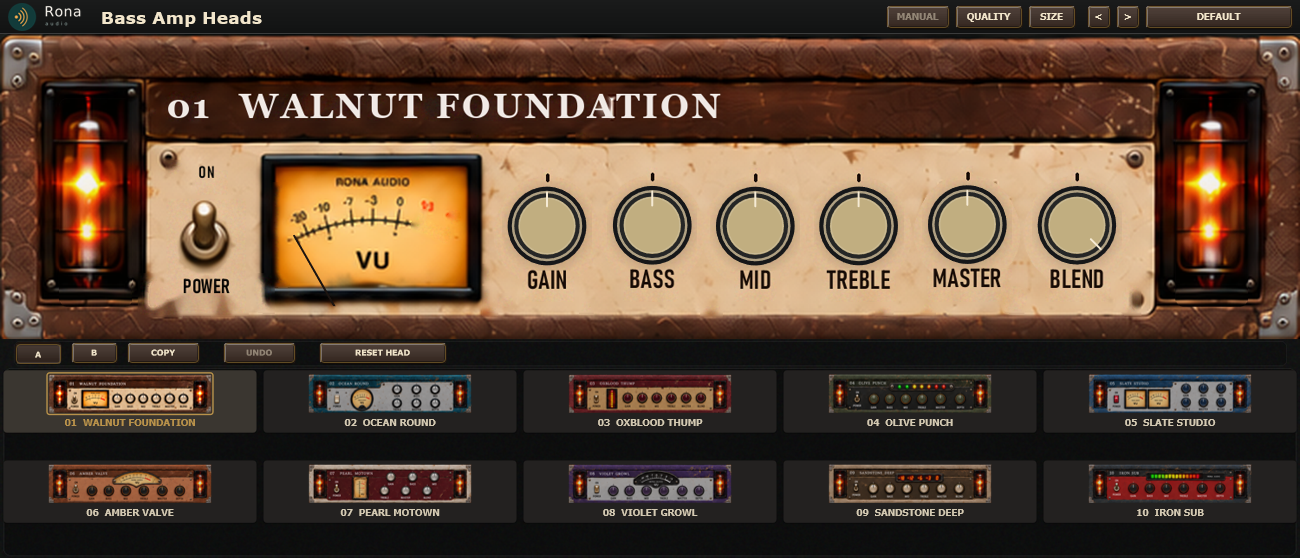
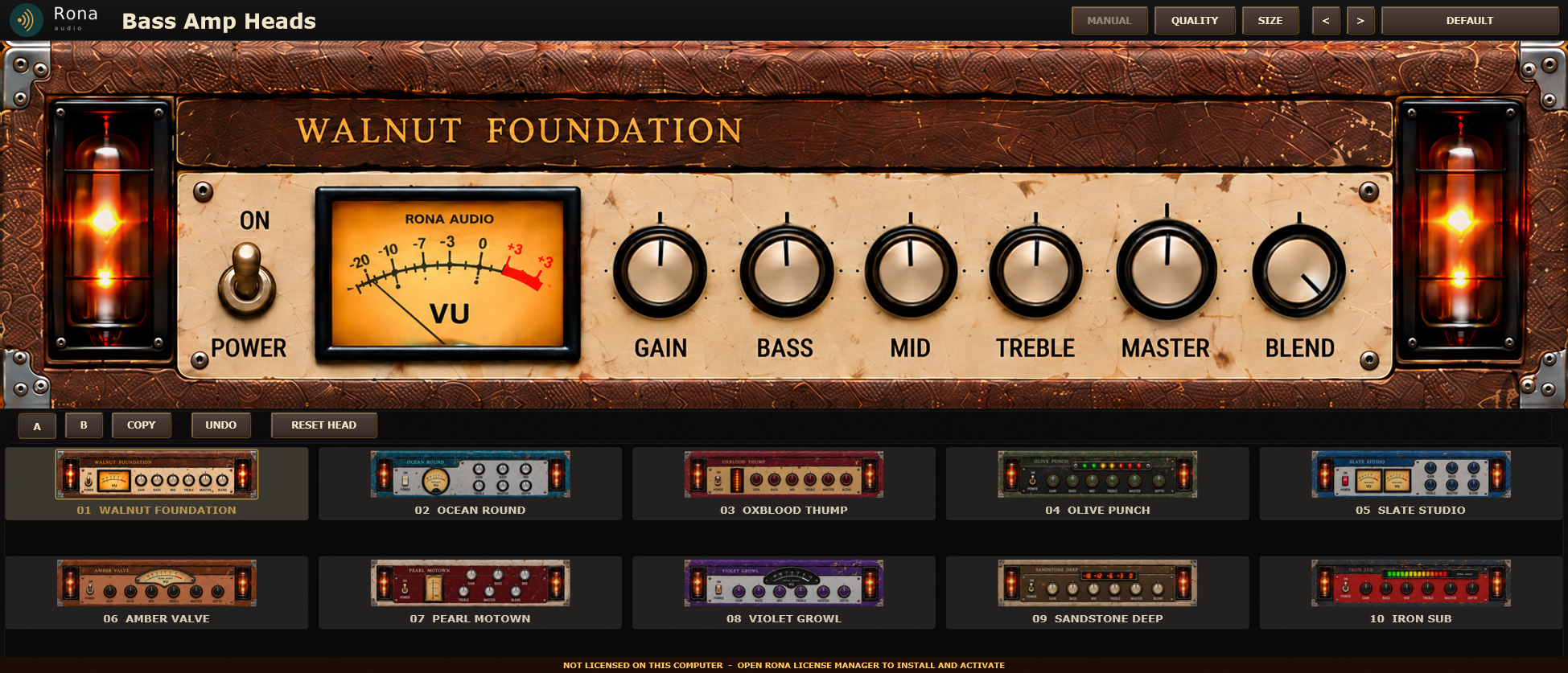
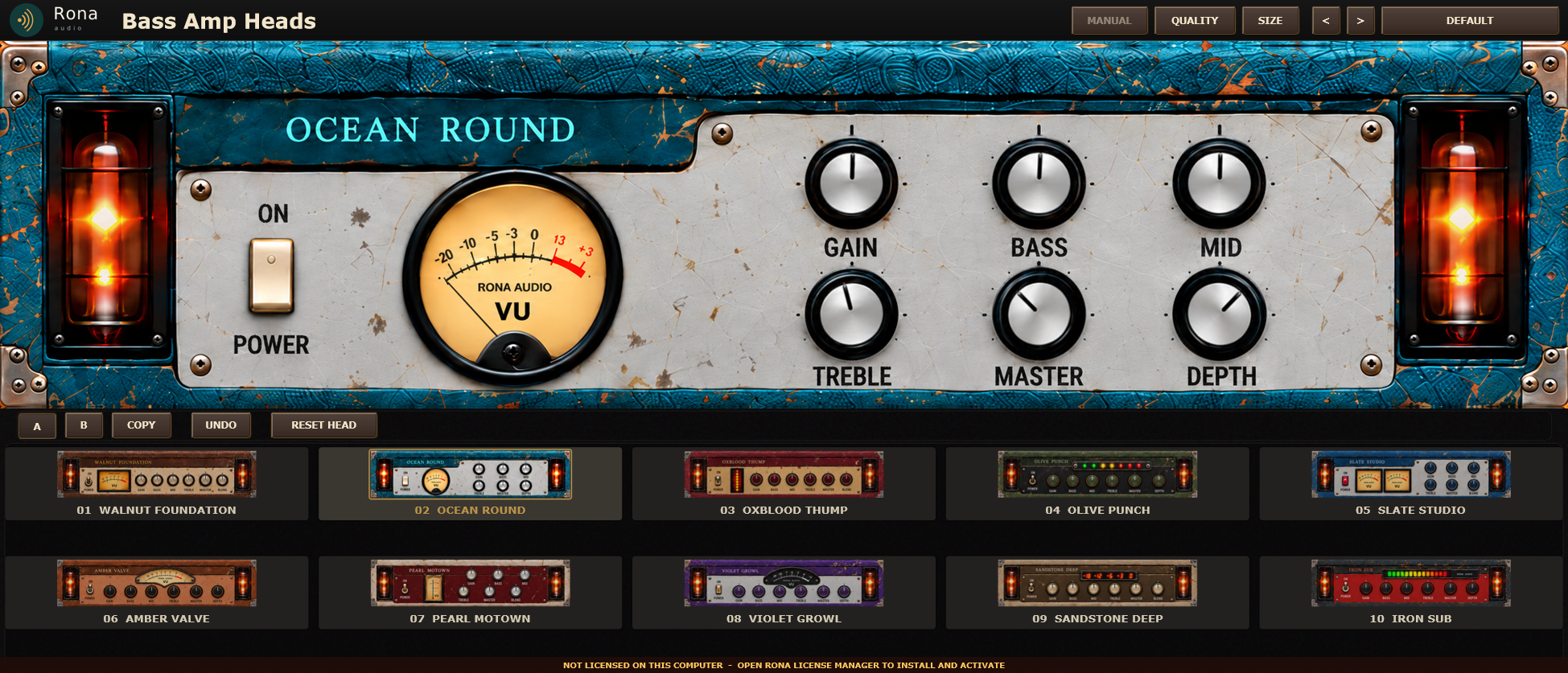
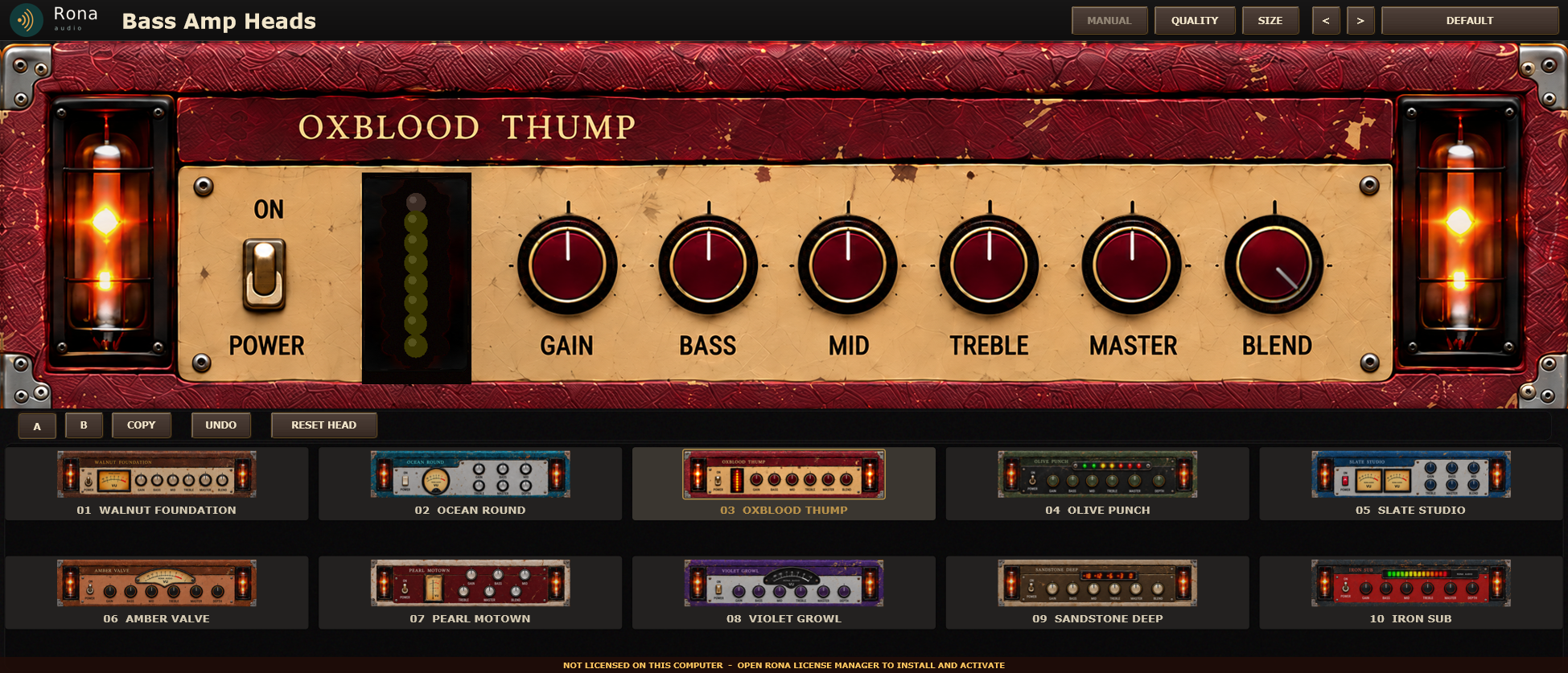
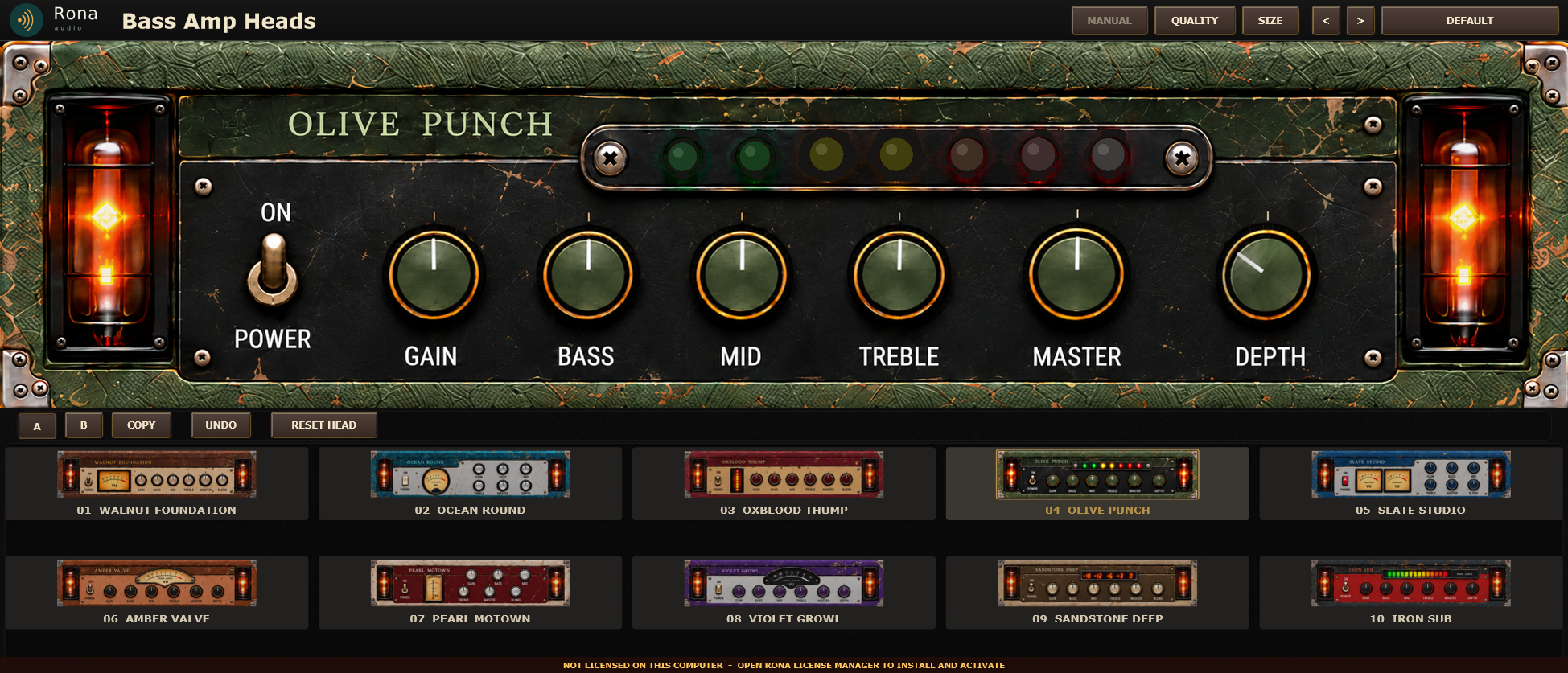
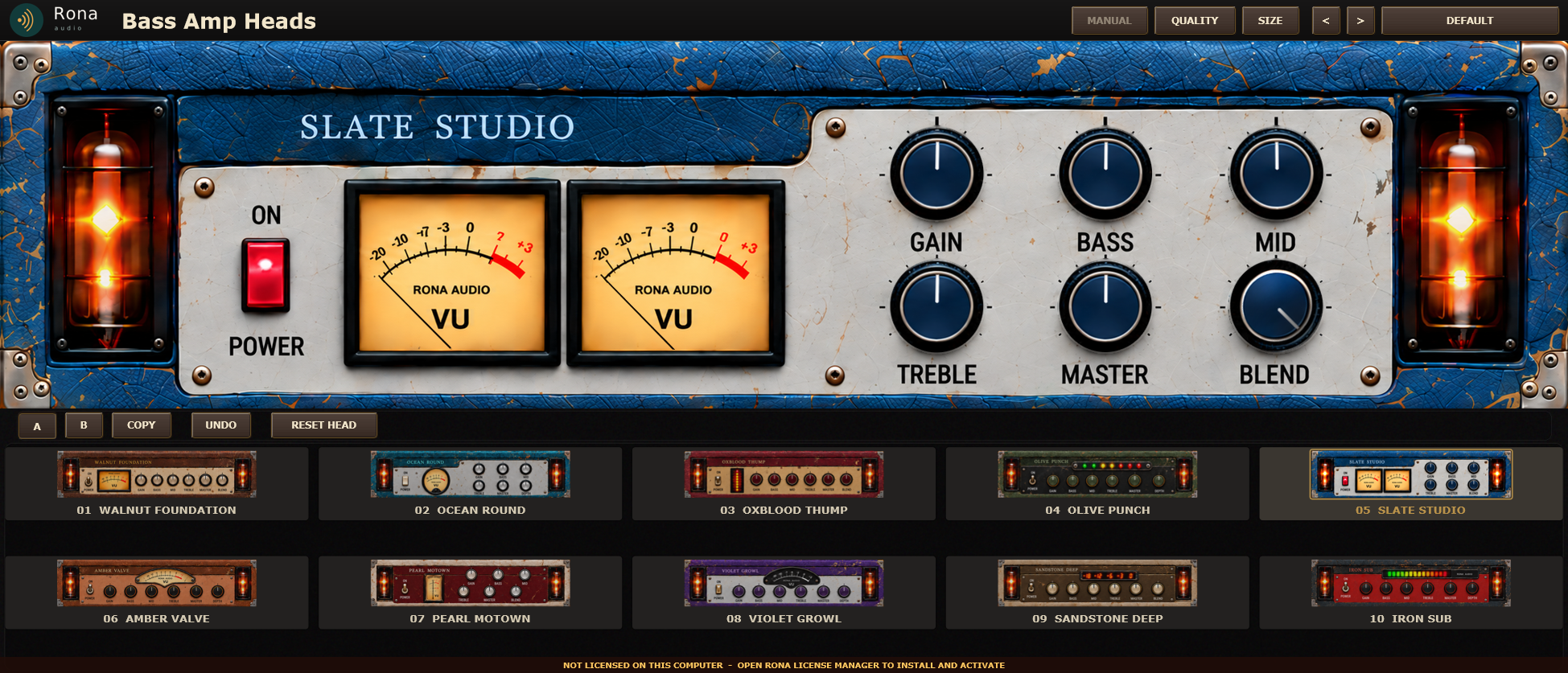
Rona Vintage Bass Amp Heads is a ten-head bass amplifier in the Rona Vintage line from Rona Audio: ten original Rona amplifier heads in one plug-in, each with its own front panel, meter, power switch and sound. Every knob and switch you see works; the circuit behind each head is modelled stage by stage so the controls interact the way an amplifier’s do.
- HEAD — the amplifier model: only the selected head processes audio; a change crossfades over 30 ms; each head keeps its own GAIN, BASS, MID, TREBLE, MASTER, BLEND and DEPTH
- GAIN — preamp drive, 0 to 10: the input stage’s gain before the head’s own saturation (each head’s gain range and curve differ – see the head table)
- BASS — the tone stack’s low control, 0 to 10, 5 = flat; the shelf frequency and reach are the head’s own
- MID — the tone stack’s mid control, 0 to 10, 5 = flat; the centre frequency and width are the head’s own
- TREBLE — the tone stack’s high control, 0 to 10, 5 = flat; the shelf frequency and reach are the head’s own
- MASTER — power-stage drive, 0 to 10: how hard the output stage is pushed (sag and compression are the head’s own); the output level is set by OUTPUT TRIM
- BLEND — amp against clean, 0 to 100 %: 100 = the amp alone, 0 = the latency-aligned clean path alone (equal-power); a knob on heads 01 03 05 07 09, in the settings panel on the others
- DEPTH — low-frequency resonance, 0 to 10: a resonant low shelf at the head’s own frequency, with a fixed 30 Hz high-pass under it so more DEPTH never means subsonic build-up; a knob on heads 02 04 06 08 10, in the settings panel …
- INPUT TRIM — trim into the whole signal path, -24 to +24 dB (before the gate and the subsonic filter)
- OUTPUT TRIM — the final level, -24 to +24 dB, independent of MASTER
- GATE — the optional input gate before the amp (1 ms open, 80 ms close, 6 dB hysteresis)
- GATE THRESHOLD — the gate’s opening threshold, -80 to -20 dBFS
- LOW PROTECT — clean low-band protection: below the crossover the signal bypasses the amp’s saturation (a 4th-order Linkwitz-Riley split, the low band delayed to the amp path’s latency, recombined phase-consistently)
- PROTECT XOVER — the protection crossover, 60 to 250 Hz
- SUBSONIC — the gentle 12 dB/oct subsonic high-pass at the input, 20 to 40 Hz
- CABINET — the cabinet stage: Bypass for external cabinet software; four algorithmic Rona cabinets (documented filter sets, level-compensated); or a loaded impulse response (LOAD IR in the settings panel, validated on load)
- A/B MATCH — level-matched A/B: B is trimmed to A’s measured loudness (bounded +-12 dB) so a comparison is not decided by volume
- REDUCED MOTION — GUI only: plain fades for the power animation, no glow modulation
19 factory presets in 5 categories. Formats: VST3 and AAX (Windows 10/11 64-bit); VST3, AU and AAX (macOS). Stereo output. Installed, activated and updated with RONA License Manager.