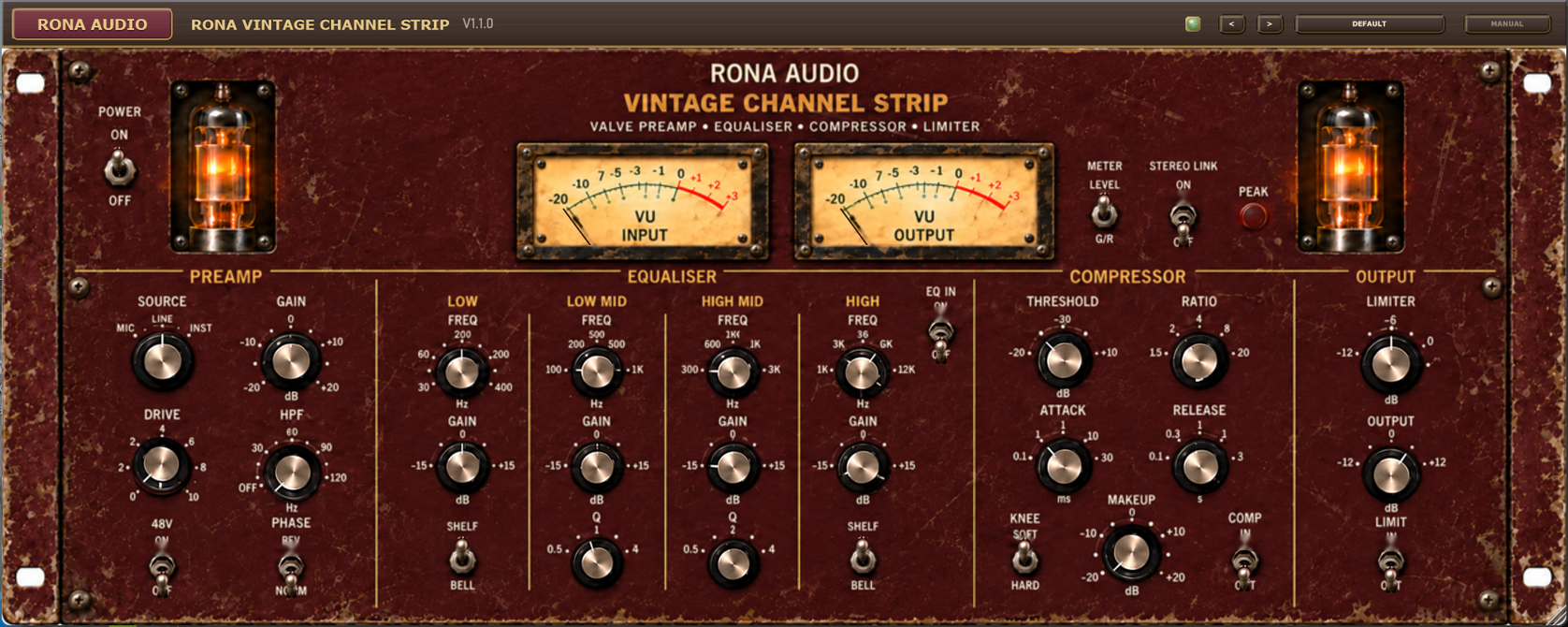


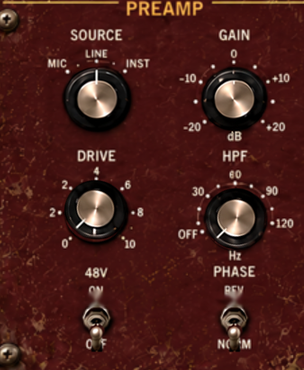
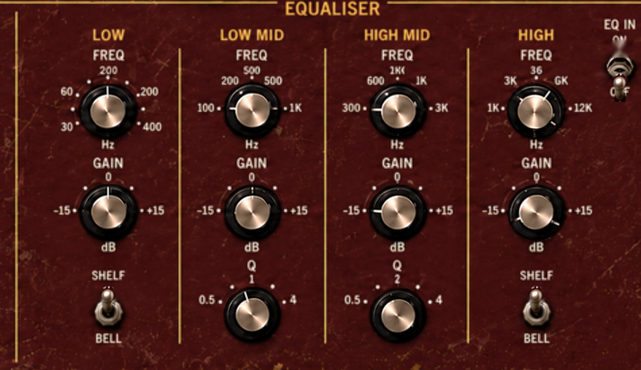
Rona Vintage Channel Strip is a stereo valve channel strip from the Rona Vintage line of Rona Audio. It has a valve preamp with source selection, 48V, gain, drive, a high-pass filter and phase reverse; a four-band equaliser with shelf / bell low and high bands and two fully parametric mid bands; a compressor with threshold, ratio, attack, release, make-up gain and a soft / hard knee; and a fast peak limiter before the output gain. Two analogue-style VU meters show input and output level or the compressor’s and the limiter’s gain reduction.
Use it on a stereo source, on a mono track, or as a glue and colour stage on a bus or the stereo mix. The panel is a 4U rack unit with twin valves; one set of controls drives the left channel and, with STEREO LINK on (the default for a stereo source), the right channel follows it exactly. The window can be resized freely and keeps its proportions.
Rona Vintage Channel Strip – the complete plug-in window.
Quick start
- Insert Rona Vintage Channel Strip on the track or bus you want to treat. POWER is on when it loads.
- Open the PRESET menu in the header and pick a starting point from the category that matches your source – Male Vocals, Drums, Mix Bus and so on.
- Set the level first: turn GAIN until the PEAK lamp just flickers on the loudest passages, add DRIVE for valve colour, and use OUTPUT to match the level you had before (the OUTPUT meter shows it).
- Shape the tone with the equaliser (EQ IN up), then switch COMP in and set THRESHOLD so the left meter, with METER on G/R, shows the amount of compression you want.
- Double-click any control to return it to its default, and save your own version with Save User Preset… in the preset menu.
70 factory presets in 12 categories. Installed, activated and updated with RONA License Manager.