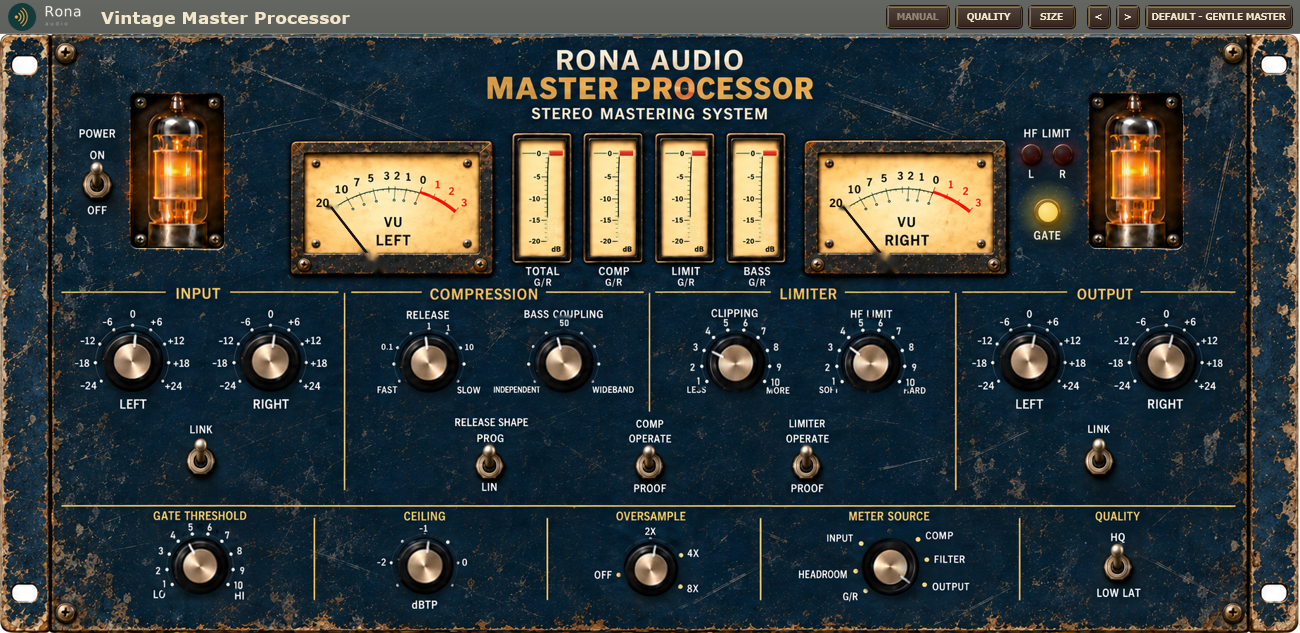
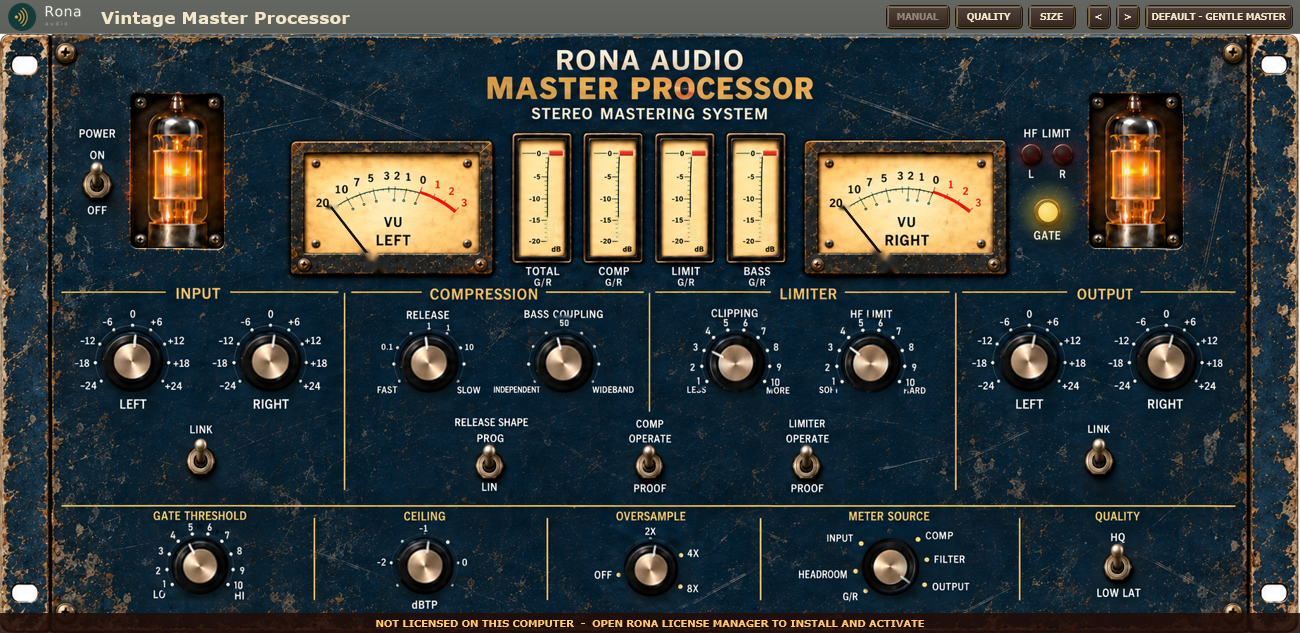


Rona Vintage Master Processor is a mastering and broadcast dynamics processor from the Rona Vintage line of Rona Audio. Its interface is a photographed 19-inch 5U rack unit – RONA AUDIO MASTER PROCESSOR, STEREO MASTERING SYSTEM – in aged navy with two glowing tubes, two VU meters, four gain-reduction meters, lamps, bat levers and brass knobs, and every control on it works: the knobs turn as whole objects, the levers flip, the needles and bars move with the signal, the lamps light and the tubes glow while the unit is on. The artwork and the signal processing are original Rona Audio designs.
Inside, the programme is split into four phase-coherent bands. A master compressor controls the upper three, a separate bass compressor controls the lowest, and BASS COUPLING decides how much the two work together. An HF limiter tames the top octaves, a broadband peak limiter catches transients, an oversampled clipper adds density, a smooth gate stops the processor pumping up noise in quiet passages, and a true-peak ceiling keeps the output safe for streaming and broadcast. The result is smooth, dense and controlled rather than aggressively loud.
Rona Vintage Master Processor – the complete panel.
Quick start
- Insert Rona Vintage Master Processor last on the master bus (or on the bus you want to control). It loads with POWER on and the preset Default – Gentle Master.
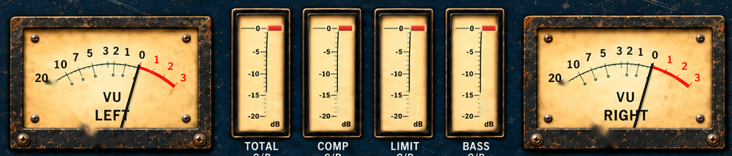
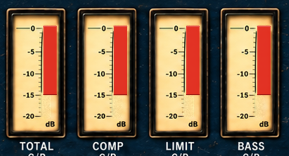
- Play the loudest part of the song. The four G/R meters show how hard the processor is working; a few dB on TOTAL G/R is a gentle master.
- Use the INPUT LEFT / RIGHT knobs to drive the processor harder or softer – this is how much it compresses (LINK keeps them together). Then set the character: RELEASE for how quickly it recovers, CLIPPING for density, HF LIMIT for brightness control, BASS COUPLING for how the low end is handled.
- Or open the PRESET menu in the header and pick a starting point – Peak Safe – Streaming and Peak Safe – Broadcast are safe finishing settings.
- Double-click any control to return it to its default. Save your own settings with Save User Preset… in the preset menu.
40 factory presets in 7 categories. Installed, activated and updated with RONA License Manager.