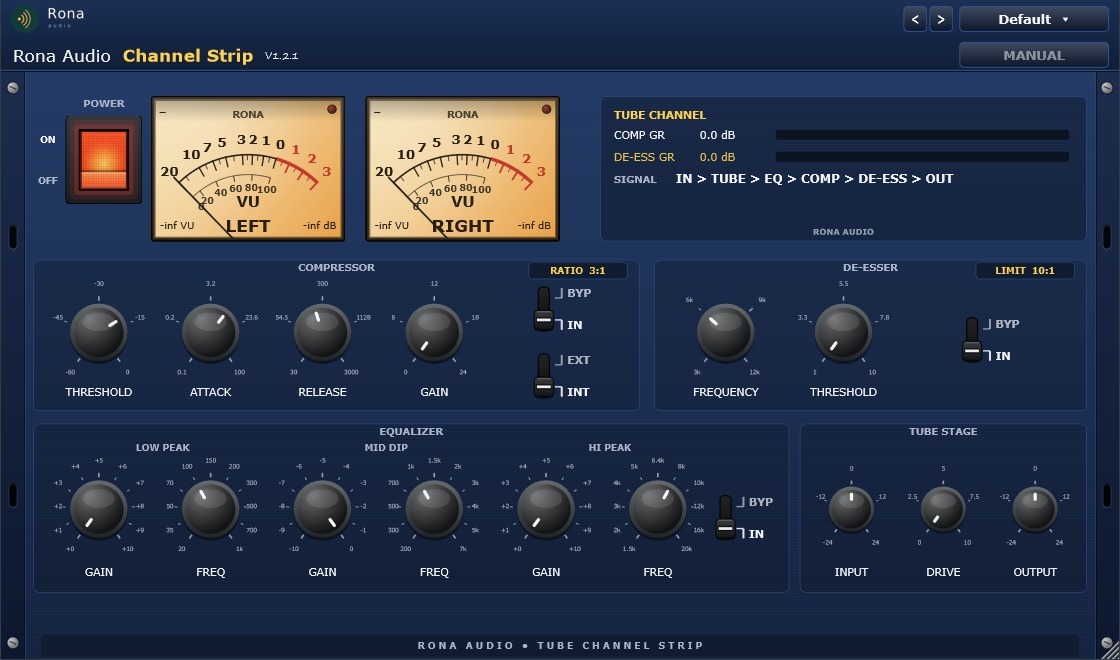
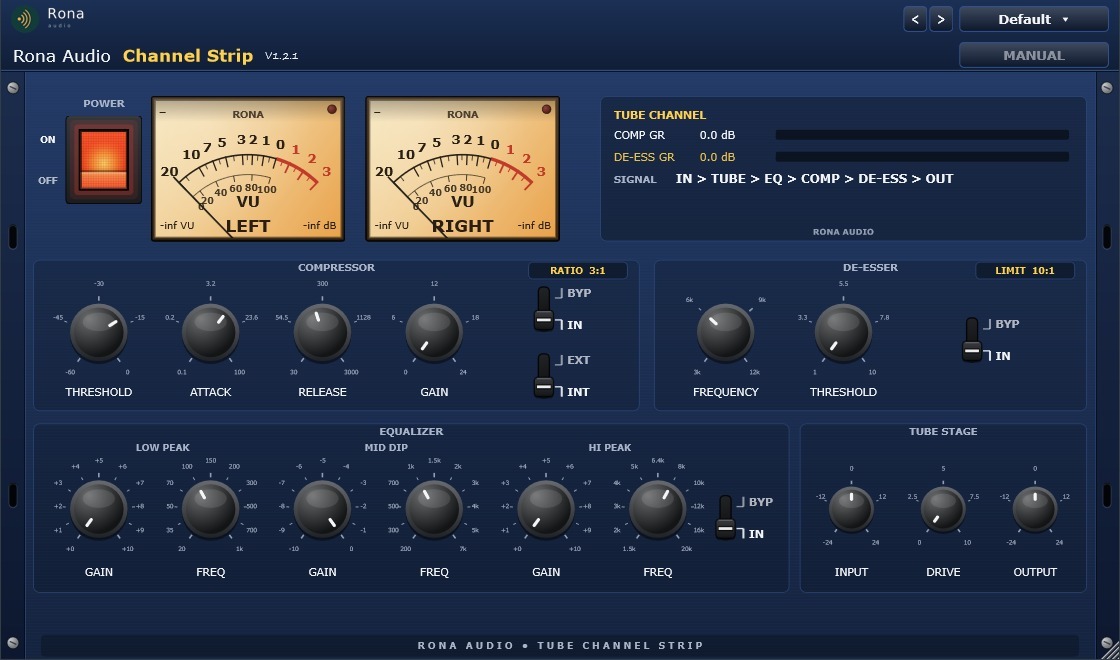
Channel Strip is a Rona Audio tube channel strip supplied as VST3 and AAX plug-ins for Windows and macOS; it is loaded inside a compatible VST3 or AAX host (DAW). It combines four processing blocks in one blue rack-mount unit:
• Tube stage – input gain and a musical tube-style drive for warmth and colour.
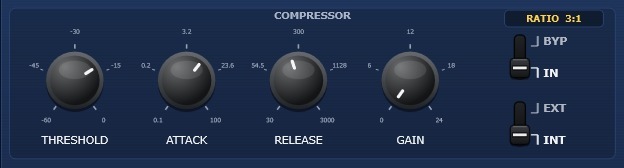
• Compressor – a fixed 3:1 program compressor with threshold, attack, release and make-up gain, switchable to an external sidechain key.
• Equalizer – three hardware-style stepped bands: Low Peak boost, Mid Dip cut and Hi Peak boost, each with 11 fixed frequency positions.
• De-esser – a 10:1 dynamic sibilance limiter at 3, 6, 9 or 12 kHz.
Primary use cases: vocals, mix bus, mastering, guitar and broadcast. The signal flow is IN > TUBE > EQ > COMP > DE-ESS > OUT (see section 11).
I/O formats: mono-to-mono, mono-to-stereo and stereo-to-stereo, plus an optional external sidechain input for the compressor.
- Power — Master power. OFF puts the whole processor into a click-free bypass and switches the meter backlight off.
- Input Gain — Level trim into the tube stage.
- Tube Drive — Amount of tube-style saturation. 0 is fully clean; higher values add warmth, then audible grit.
- Comp Bypass — Removes the compressor from the signal path.
- Comp Threshold — Level above which gain reduction begins.
- Comp Attack — How fast gain reduction engages.
- Comp Release — How fast gain reduction recovers.
- Comp Gain — Make-up gain after compression.
- Comp SC — Compressor detector source: internal signal or the external sidechain input.
- EQ Bypass — Removes the equalizer from the signal path.
- Low Peak Gain — Boost of the low peak band.
- Low Peak Freq — Centre frequency of the low peak band.
- Mid Dip Gain — Cut of the mid dip band.
- Mid Dip Freq — Centre frequency of the mid dip band.
- Hi Peak Gain — Boost of the high peak band.
- Hi Peak Freq — Centre frequency of the high peak band.
- De-Ess Bypass — Removes the de-esser from the signal path.
- De-Ess Frequency — Centre of the sibilance detection/cut band.
- De-Ess Threshold — Sensitivity of the de-esser. Project-defined 1-10 scale: 1 is least sensitive, 10 most. Internally maps to a -6 to -42 dBFS band detector threshold.
- Output Gain — Final level trim after all processing.
Quick start
- • 1. Install with the Rona Audio installer (section 4), then open the plugin on a vocal or instrument track in your DAW.
- • 2. Install and activate with RONA License Manager: log in with your rona.com.au account, click Add Serial Number, enter the serial from your purchase e-mail and click Install (section 5). After that the plugin works offline.
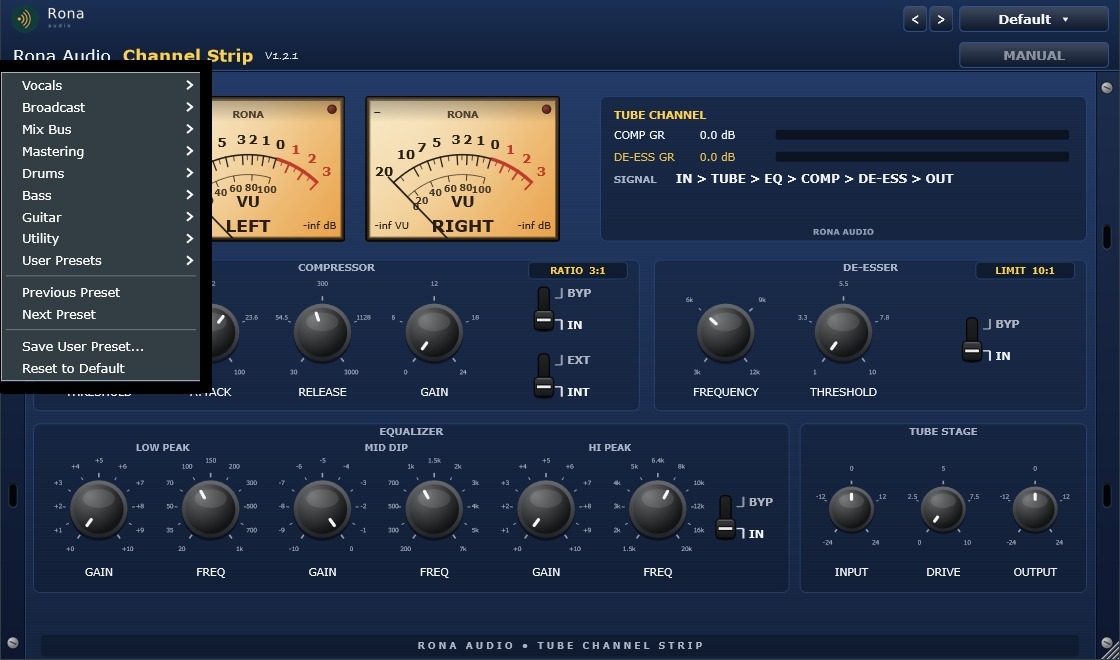
- • 3. Click PRESET (top right) and pick a starting point – for a lead vocal try Vocals > Lead Vocal – Smooth & Present.
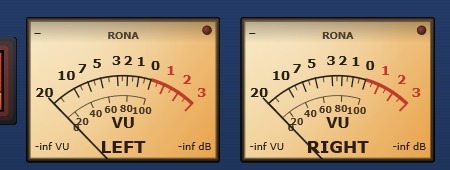
- • 4. Set INPUT so the VU meters read around 0 VU on loud passages.
- • 5. Shape the tone with the EQUALIZER: boost LOW PEAK for body, dip MID for mud or boxiness, boost HI PEAK for air.
- • 6. Set the COMPRESSOR THRESHOLD until COMP GR in the TUBE CHANNEL panel shows 3-6 dB on the loudest lines; raise GAIN to match the bypassed level.
51 factory presets. Installed, activated and updated with RONA License Manager.