

Rona Vintage Master Processor

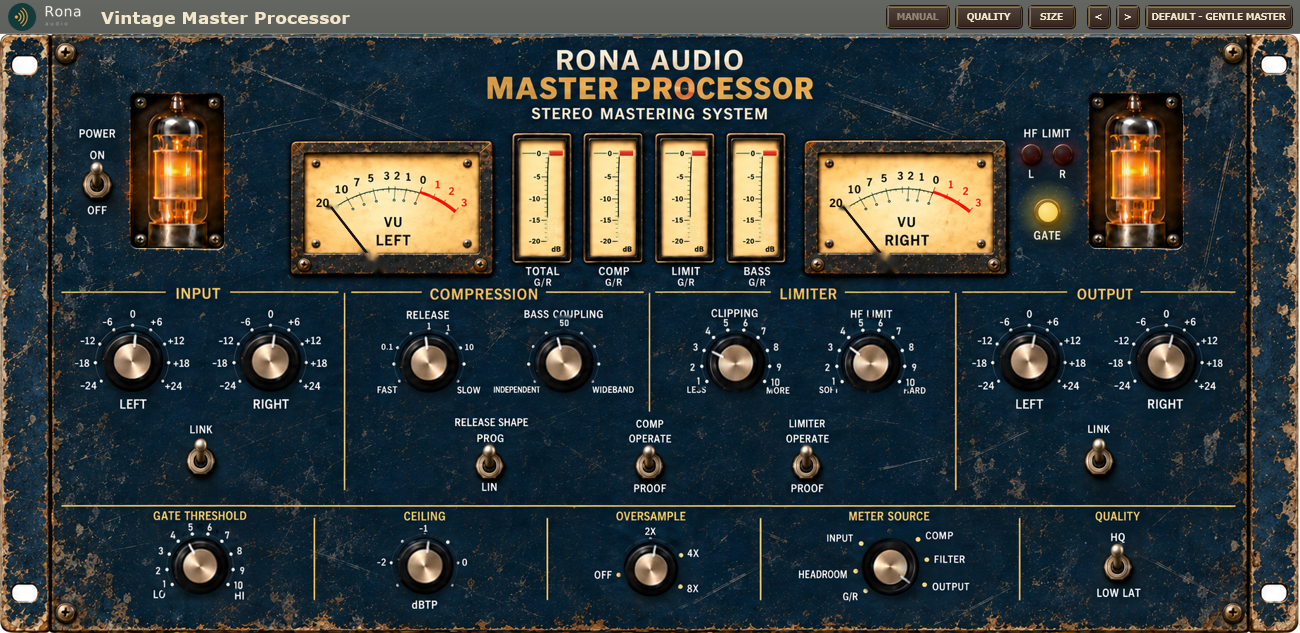
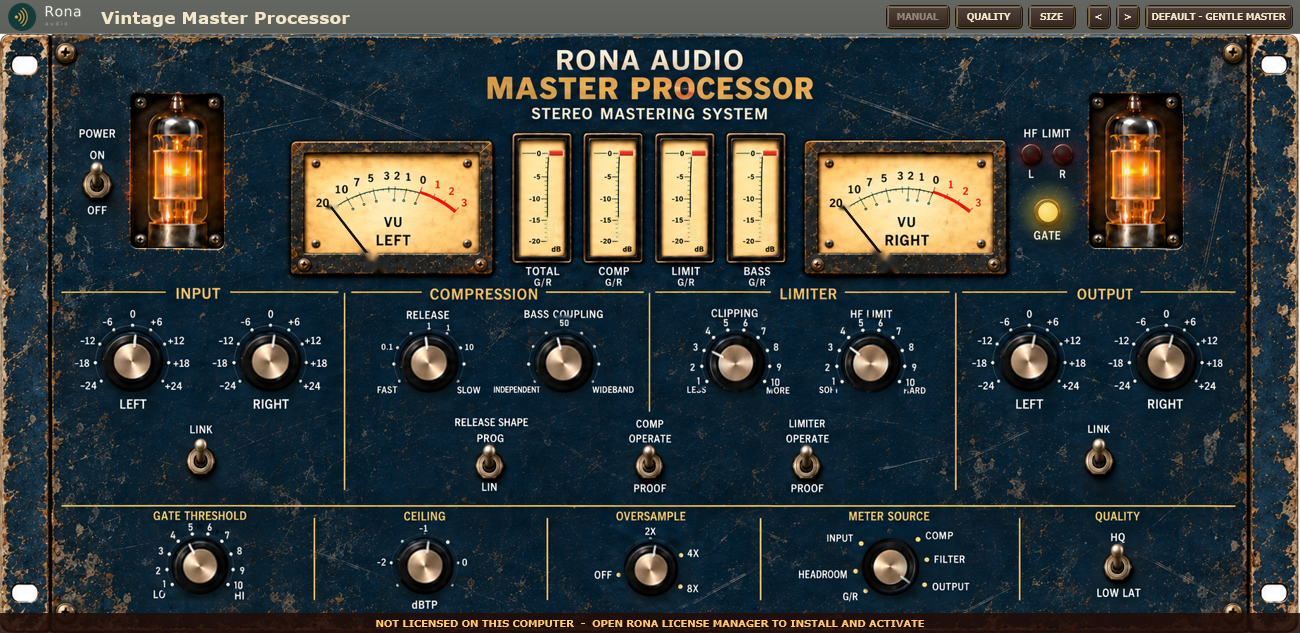
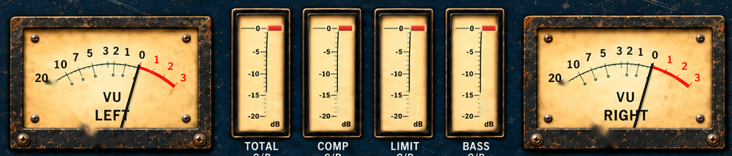
Rona Vintage Master Processor is a mastering and broadcast dynamics processor from the Rona Vintage line of Rona Audio. Its interface is a photographed 19-inch 5U rack unit – RONA AUDIO MASTER PROCESSOR, STEREO MASTERING SYSTEM – in aged navy with two glowing tubes, two VU meters, four gain-reduction meters, lamps, bat levers and brass knobs, and every control on it works: the knobs turn as whole objects, the levers flip, the needles and bars move with the signal, the lamps light and the tubes g …

US$235.00

Price in US dollars, inc. GST for Australian customers.

Hear it

Rona Vintage Master Processor is a mastering and broadcast dynamics processor from the Rona Vintage line of Rona Audio. Its interface is a photographed 19-inch 5U rack unit – RONA AUDIO MASTER PROCESSOR, STEREO MASTERING SYSTEM – in aged navy with two glowing tubes, two VU meters, four gain-reduction meters, lamps, bat levers and brass knobs, and every control on it works: the knobs turn as whole objects, the levers flip, the needles and bars move with the signal, the lamps light and the tubes glow while the unit is on. The artwork and the signal processing are original Rona Audio designs.

Inside, the programme is split into four phase-coherent bands. A master compressor controls the upper three, a separate bass compressor controls the lowest, and BASS COUPLING decides how much the two work together. An HF limiter tames the top octaves, a broadband peak limiter catches transients, an oversampled clipper adds density, a smooth gate stops the processor pumping up noise in quiet passages, and a true-peak ceiling keeps the output safe for streaming and broadcast. The result is smooth, dense and controlled rather than aggressively loud.

Rona Vintage Master Processor – the complete panel.

Quick start

  1. Insert Rona Vintage Master Processor last on the master bus (or on the bus you want to control). It loads with POWER on and the preset Default – Gentle Master.
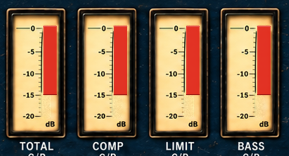
  2. Play the loudest part of the song. The four G/R meters show how hard the processor is working; a few dB on TOTAL G/R is a gentle master.
  3. Use the INPUT LEFT / RIGHT knobs to drive the processor harder or softer – this is how much it compresses (LINK keeps them together). Then set the character: RELEASE for how quickly it recovers, CLIPPING for density, HF LIMIT for brightness control, BASS COUPLING for how the low end is handled.
  4. Or open the PRESET menu in the header and pick a starting point – Peak Safe – Streaming and Peak Safe – Broadcast are safe finishing settings.
  5. Double-click any control to return it to its default. Save your own settings with Save User Preset… in the preset menu.

40 factory presets in 7 categories. Installed, activated and updated with RONA License Manager.
System requirements

Windows Windows 10 or later (64-bit)
macOS macOS 10.13 or later — Intel & Apple Silicon (Universal 2)
RAM 4 GB
Disk 50 MB
Formats Windows: VST3 · AAX · macOS: VST3 · AAX · AU
Installation RONA License Manager (install, activate, update)

What’s included

Windows: VST3 / AAX · macOS: VST3 / AAX / AU · PDF manual · one license, 3 computers · installed and activated with RONA License Manager · free updates within the major version

Version

Version 1.1.0 18 October 2026

First release on rona.com.au. Installed, activated and updated with RONA License Manager.
Questions

How do I install and activate Rona Vintage Master Processor?

Download RONA License Manager from rona.com.au/license-manager, log in with your rona.com.au account and click Install next to the product. It activates this computer, downloads the right installer for your system and installs every format. There is no serial number to enter and no activation button inside the plug-in.

How many computers can I use it on?

Each serial number can be active on up to 3 computers at the same time. On a Mac the VST3, AU and AAX formats share one activation. You can see your computers and free a slot at any time in RONA License Manager (Activations) or on rona.com.au under My Account → My Products.

Which formats are included?

Windows: VST3 and AAX. macOS: VST3, AU (Audio Unit) and AAX, Universal 2 for Intel and Apple Silicon. RONA License Manager installs all formats of a product together and they share one activation.

Do I need an internet connection?

An internet connection is needed for RONA License Manager to log in, activate, download and update your products. You do not need to be online while you work in your DAW.

The plug-in does not appear in the DAW?

rescan the plug-in folders, and confirm the host is 64-bit. Pro Tools only loads the AAX version.

The amber licence bar is showing?

if it asks you to connect to the internet, the plug-in is still working; connect and click the bar. Otherwise the product is not licensed on this computer – install the licence with RONA License Manager, or start the free trial from the product page.

The audio passes through unchanged?

POWER is off, the host is bypassing the plug-in, or the product is not licensed (see above).

It sounds squashed or pumps?

lower INPUT LEFT / RIGHT, lengthen RELEASE, or switch RELEASE SHAPE to PROG.

The bass pulls the whole mix down?

turn BASS COUPLING toward INDEPENDENT.

Quiet passages or fades sound unnatural?

lower GATE THRESHOLD toward LO.