
Leslie recreates the sound of a rotating-speaker cabinet: a spinning high-frequency horn and a low-frequency drum baffle, each with its own motor inertia. The plugin models the three ingredients that make the effect musical:
Amplitude modulation — level rises and falls as each rotor sweeps past the microphones.
Doppler pitch modulation — the moving sound source bends pitch up and down.
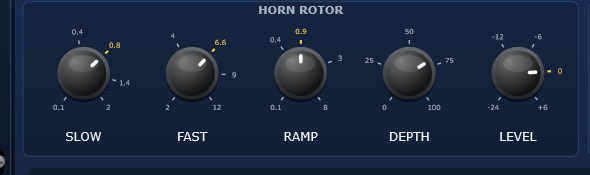
Motor inertia — switching speeds ramps smoothly; the horn spins up in about a second, the heavy drum takes several.
A tube-style drive stage, adjustable crossover, virtual microphone distance/width and independent horn/drum controls extend the classic cabinet into modern sound design. Primary use cases: guitar, saz, bouzouki and keyboards/organ — plus vocals, synths and mix-bus motion.
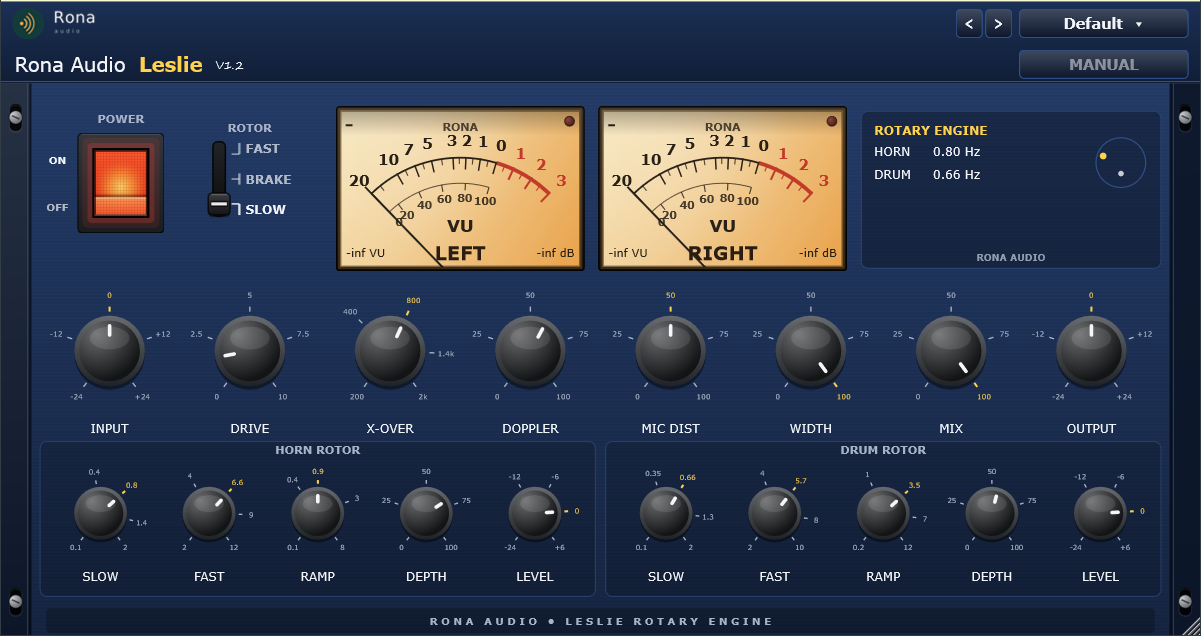
- POWER — ON / OFF (ON)
- ROTOR — SLOW / BRAKE / FAST (SLOW)
- INPUT — -24…+24 dB (0)
- DRIVE — 0…10 (1.5)
- X-OVER — 200 Hz…2 kHz (800 Hz)
- DOPPLER — 0…100 % (60 %)
- MIC DIST — 0…100 % (50 %)
- WIDTH — 0…100 % (100 %)
- MIX — 0…100 % (100 %)
- OUTPUT — -24…+24 dB (0)
Quick start
- Run the installer for your platform and open Leslie on an audio track in your DAW (Leslie is a VST3 / AAX / AU plug-in and runs inside a compatible host).
- First time only: install and activate with RONA License Manager (log in with your rona.com.au account, Add Serial Number, Install) – internet connection required once (section 5).
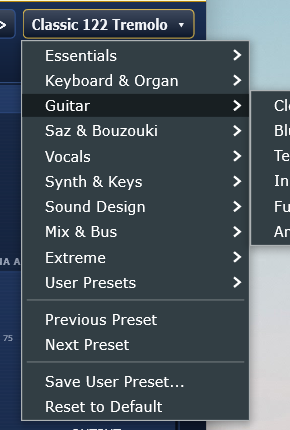
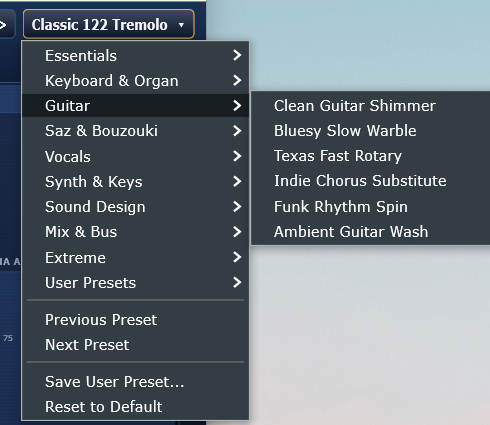
- Click the PRESET list (top right) and pick a starting point — e.g. Essentials → Classic 122 Chorale for organ, Guitar → Clean Guitar Shimmer, or Saz & Bouzouki → Saz Wide Chorale.
- Play. Flip the ROTOR switch between SLOW and FAST while playing — the rotors physically accelerate and brake, just like the real cabinet.
- Shape the sound: DRIVE for tube grit, DOPPLER for pitch swirl, WIDTH for stereo spread, MIX to blend.
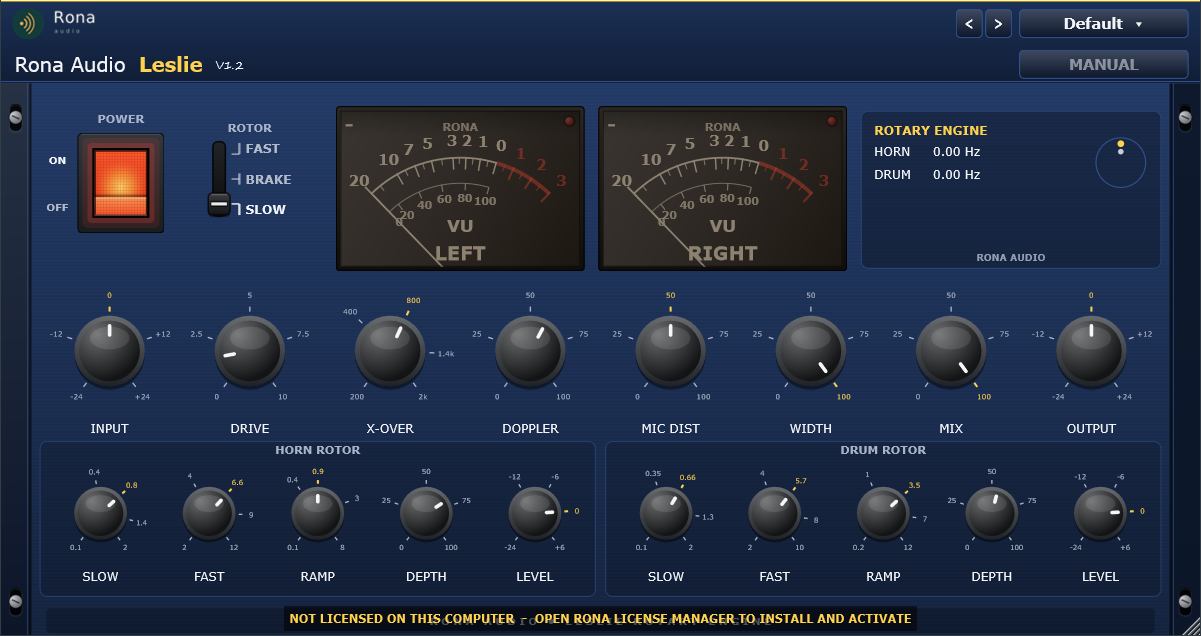
- The complete Leslie interface (licensed state, power on).
47 factory presets in 9 categories. Installed, activated and updated with RONA License Manager.