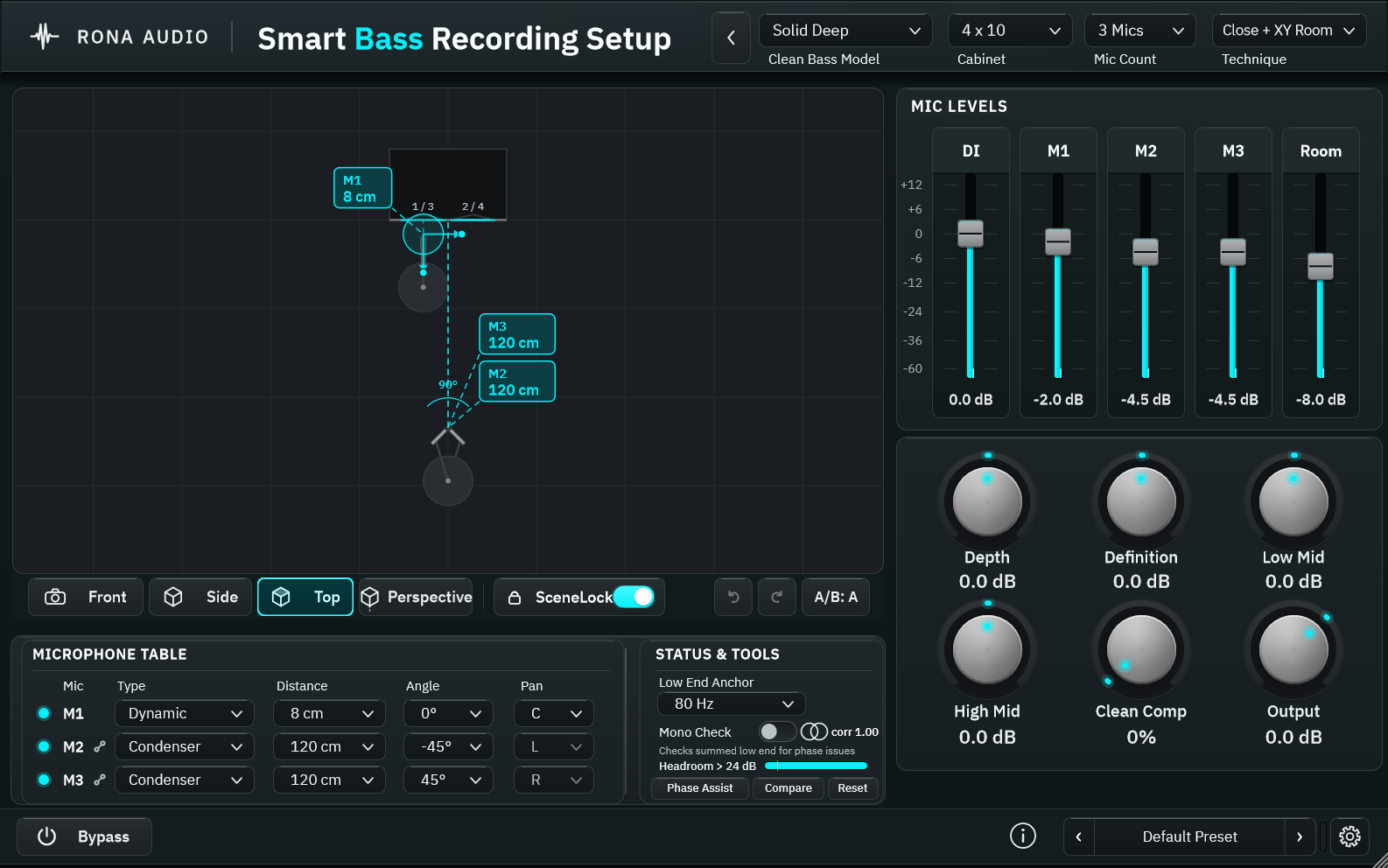
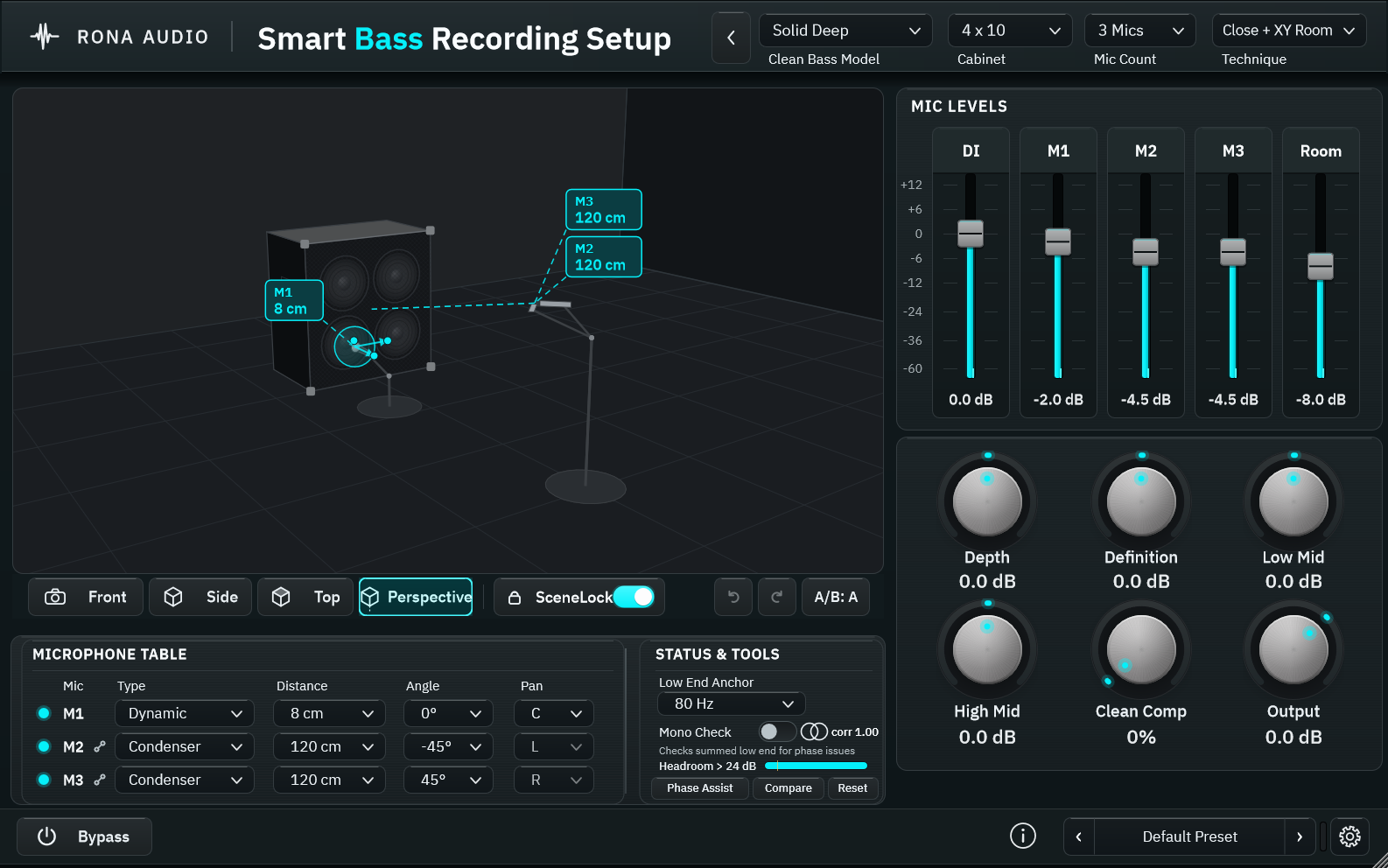

A clean bass amp, cabinet and microphone recording simulator driven by one editable virtual scene: the selected speaker count, size, microphone type, recording technique, position and distance change both the displayed scene and the audio.
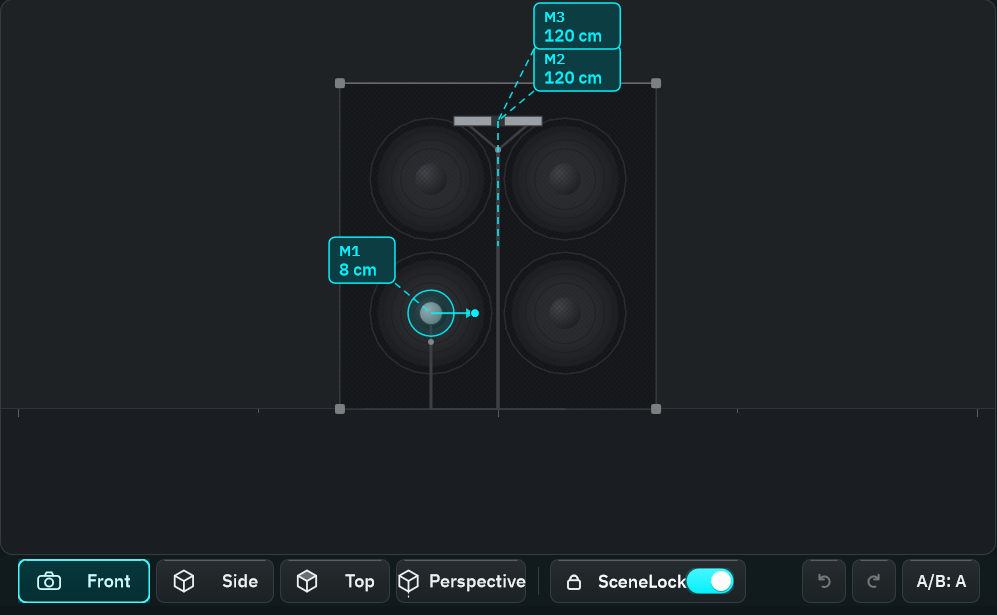
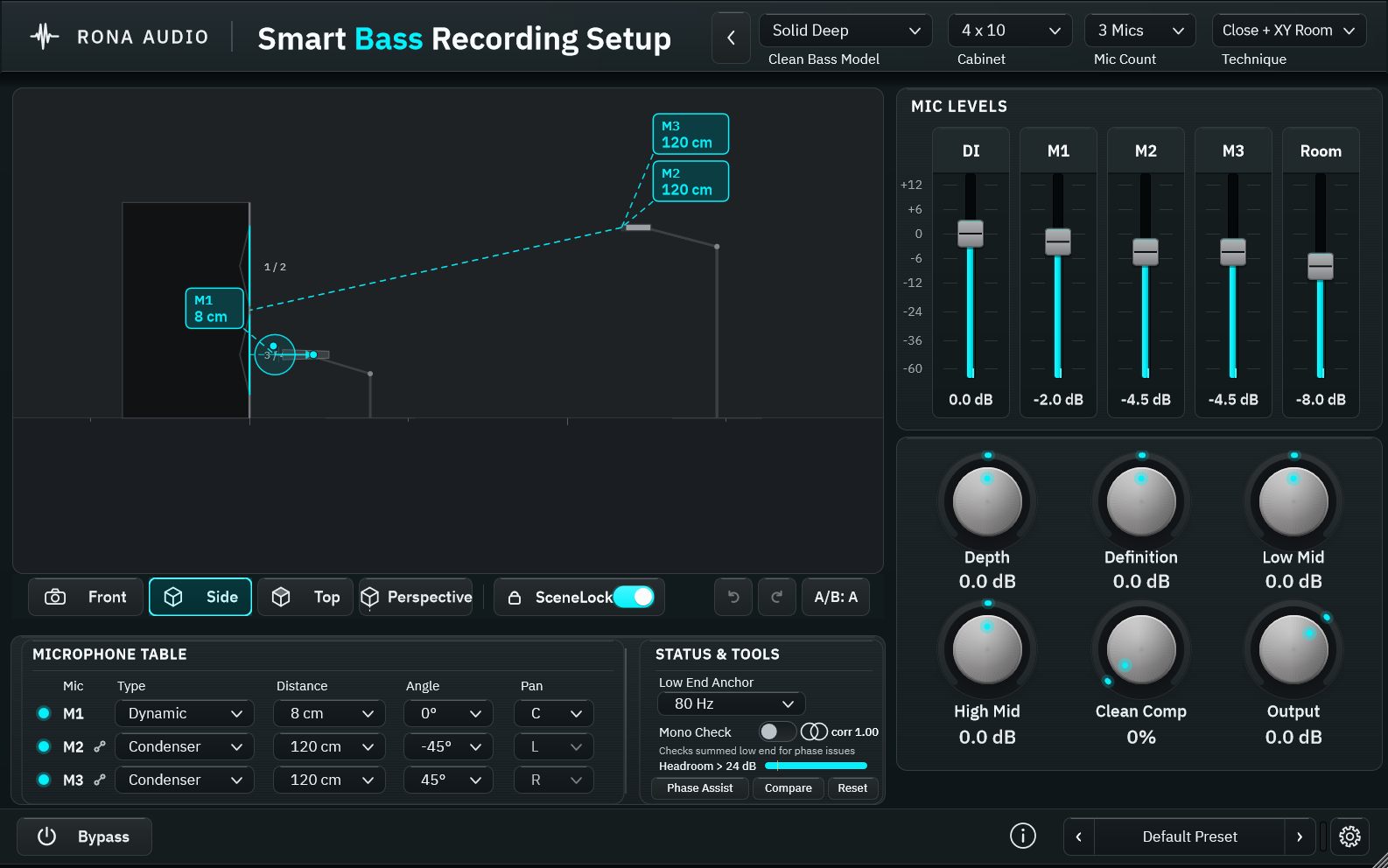
Smart Bass Studio Rig puts a bass DI through a clean amp profile, a cabinet whose cones are really there, and up to 4 microphones in a virtual room – and shows you the whole arrangement as one editable scene. Choose a cabinet and its drivers appear; choose a technique and the microphones take their places; drag a microphone and both its distance label and its sound change together. The picture and the audio are derived from the same scene data, so what you see is what the model computes.
Every response in this plug-in is a RONA parametric model – a documented set of physics-shaped curves (piston radiation, first-order microphone patterns, the inverse distance law, image-source reflections, a Sabine estimate for the room tail) with published numbers for each driver, cabinet, microphone type and amp profile. Nothing is a copy of a particular commercial amplifier, speaker or microphone; the names (Solid Deep, Round Fifteen, Studio Twelve, Compact Punch; Dynamic, Large condenser, Passive ribbon …) are original generic names. Section 24 lists exactly what is modelled and what is not.
Three deterministic analysis tools help you place and align the microphones: Phase Assist (natural timing first, then the measured pairwise lag and correlation of a Listen take with a proposed polarity / delay correction and its tradeoff), Low End Anchor (DI against the cabinet below a crossover, protecting the mono low end) and Compare Placement (three admissible microphone moves scored through the model against Warmer, Clearer or Less comb). They propose; you apply. Silence or an unstable correlation yields no recommendation, and the reason is shown. They are searches and measurements with stated conditions – never guesses.
‘Smart Bass Studio Rig’, ‘RONA SceneLock’, ‘Low End Anchor’, ‘Phase Assist’ and ‘Compare Placement’ are working product names.
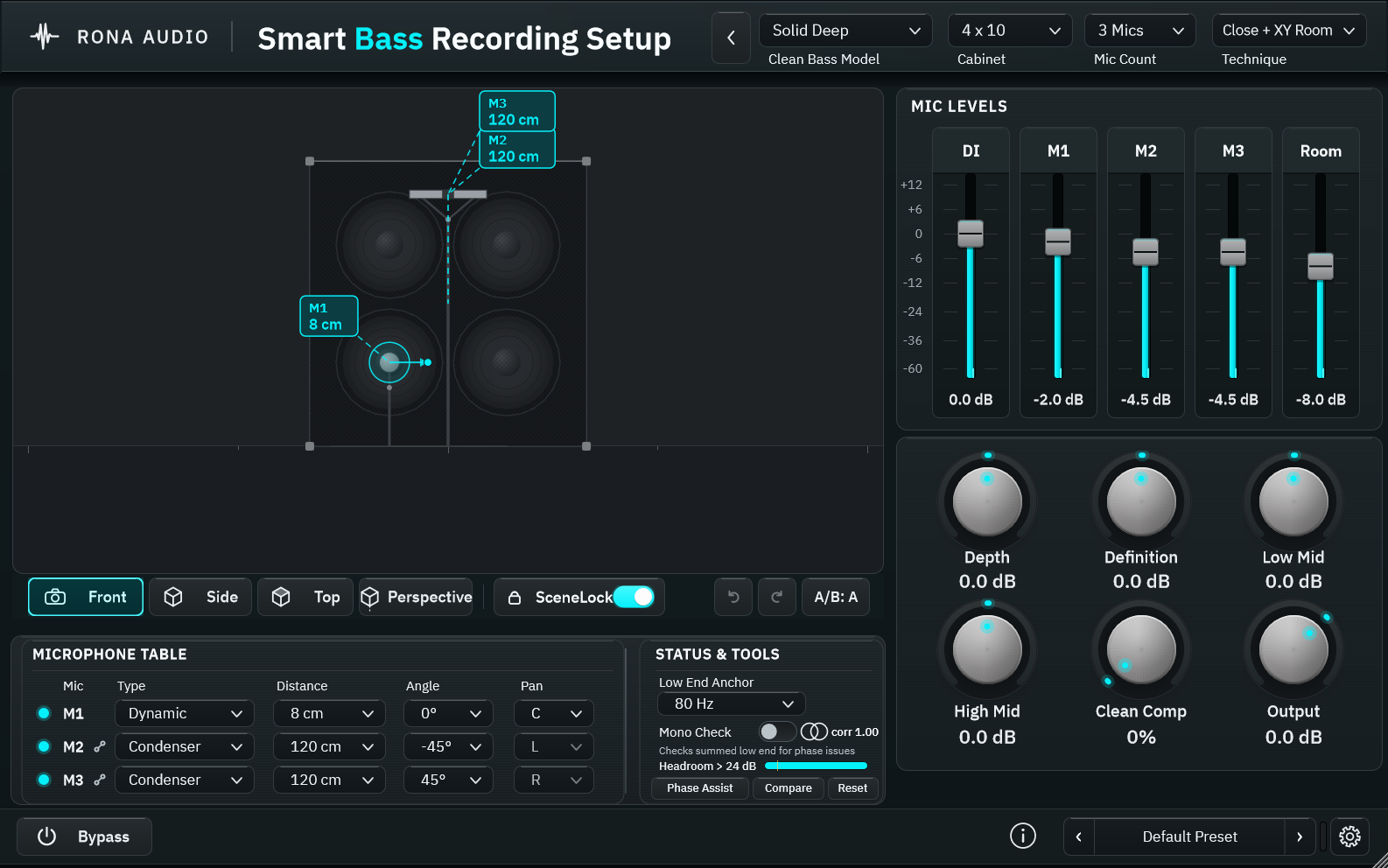
The main window in its default state. 1: header with the amp profile, cabinet, mic count and technique choices. 2: the virtual scene with the camera pills and RONA SceneLock. 3: the microphone table. 4: Status & Tools. 5: Mic Levels. 6: the knob deck. 7: the footer with Bypass, the preset selector and Advanced.
- Bypass — bypass
- Mono Check — mono_check
- Phase Mode — phase_mode
- Amp Model — amp_model
- Input Gain — input_gain
- Clean Gain — clean_gain
- Depth — depth
- Low Mid — low_mid
- High Mid — high_mid
- Definition — definition
- Clean Comp — comp_amount
- Comp Threshold — comp_threshold
- Comp Ratio — comp_ratio
- Comp Attack — comp_attack
- Comp Release — comp_release
- Colour — colour
- Output — output_gain
- Cabinet — cabinet
- Enclosure — enclosure
- Arrangement — arrangement
- Horn — horn
- Horn Level — horn_level
- Horn Crossover — horn_xover
- Technique — technique
44 factory presets in 7 categories. Formats: VST3 and AAX for Windows; VST3, AAX and AU for macOS – loaded inside a compatible VST3, AAX or AU host / DAW. Windows 10 / 11 64-bit; macOS 10.13 or later, Apple Silicon and Intel (Universal 2). Sample rates 44.1 to 192 kHz. Mono in / mono out, mono in / stereo out and stereo in / stereo out (the DI is the mono sum of the inputs – a bass DI is mono; the stereo output carries the microphone and room panning, the mono output their mono sum). No sidechain. MIDI input is used for MIDI Learn only. Installed, activated and updated with RONA License Manager.