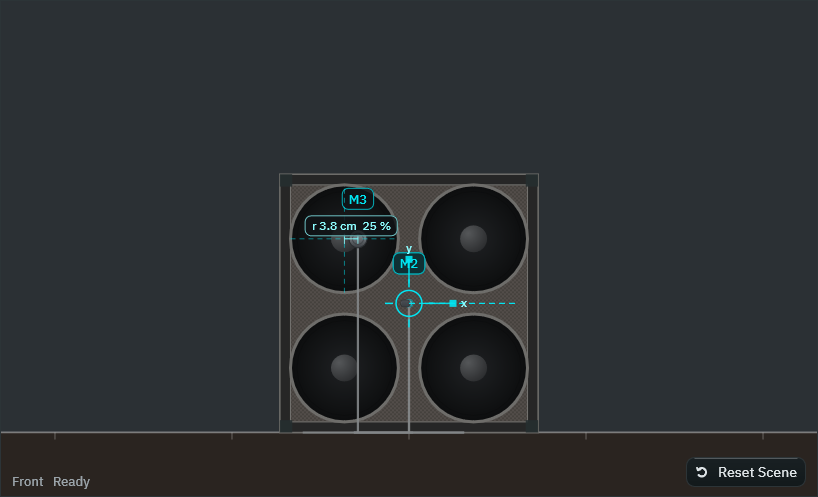
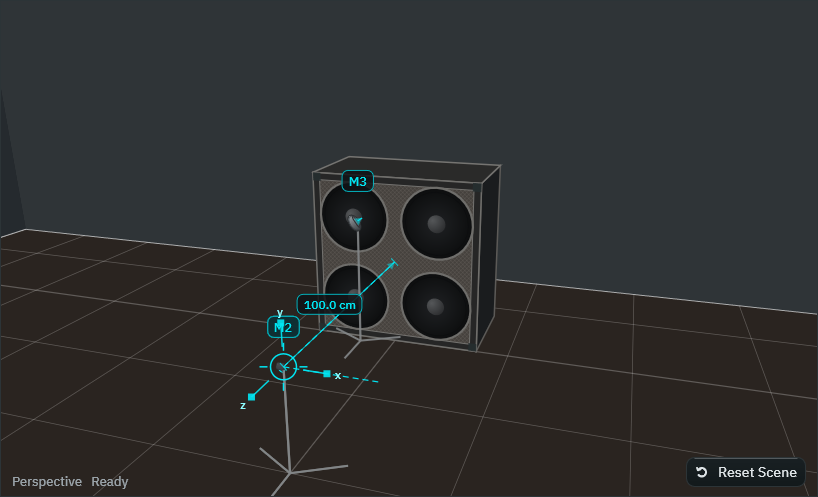
A clean guitar amp, cabinet and microphone recording simulator driven by one editable virtual scene.
Smart Guitar Studio Rig is a clean guitar amp, cabinet and microphone recording simulator driven by one editable virtual scene. The amp profile, the cabinet with its actual number and size of speakers, the enclosure, the microphones and their types and patterns, the recording technique, every microphone position, angle and distance, and the room change both the scene you see and the sound you hear – from the same numbers.
Play a clean DI guitar (or re-amp a recorded DI track) into the plug-in. The signal runs through one of four original clean amp profiles, then through the cabinet and up to four virtual microphones (plus the clean DI), each with its own response from where it stands in the room, and into the Signal Mix, where you set levels, pans, polarity and timing and hear the stereo result.
Every response is a documented parametric model: the speakers, the enclosure, each microphone type and pattern and the room are calculated from published acoustic relationships with documented parameters. There are no measured impulse responses in this product, and no response imitates a particular commercial amplifier, speaker or microphone; the names you see are generic.
The scene tools help you place microphones: RONA SceneLock keeps what you have decided fixed, Compare Placement measures a few admissible alternatives on your own playing and lets you audition them loudness-matched, Phase Assist shows the natural timing between microphones and proposes polarity and delay corrections with the measured trade-off, and the tonal comparison compares cap, cap edge and cone on the same passage. Each is a deterministic search over measurements and proposes; nothing changes until you apply it.
‘Smart Guitar Studio Rig’, ‘RONA SceneLock’, ‘Compare Placement’ and ‘Phase Assist’ are working product names.
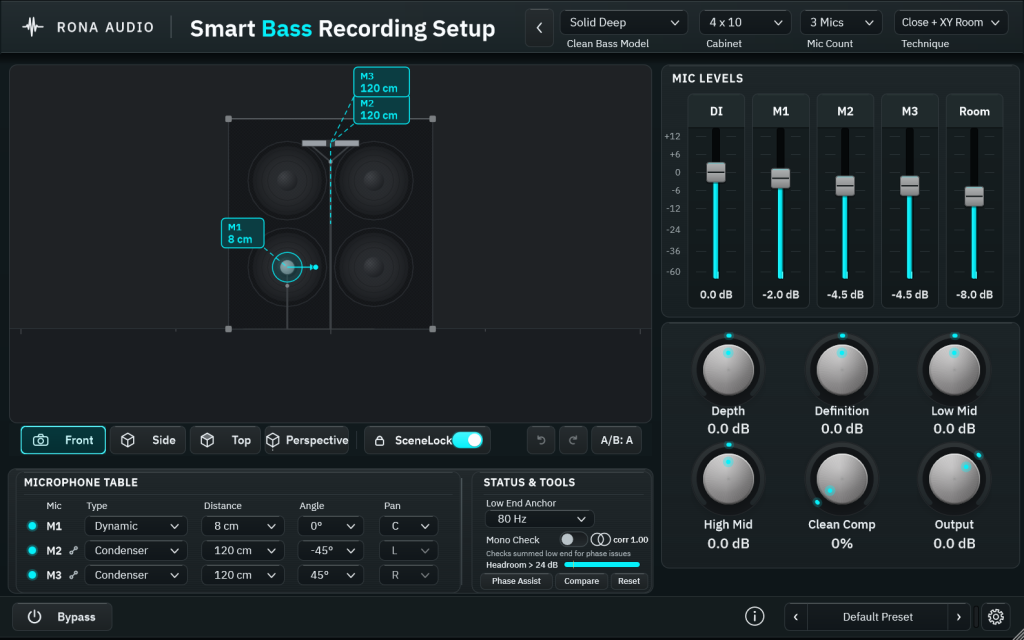
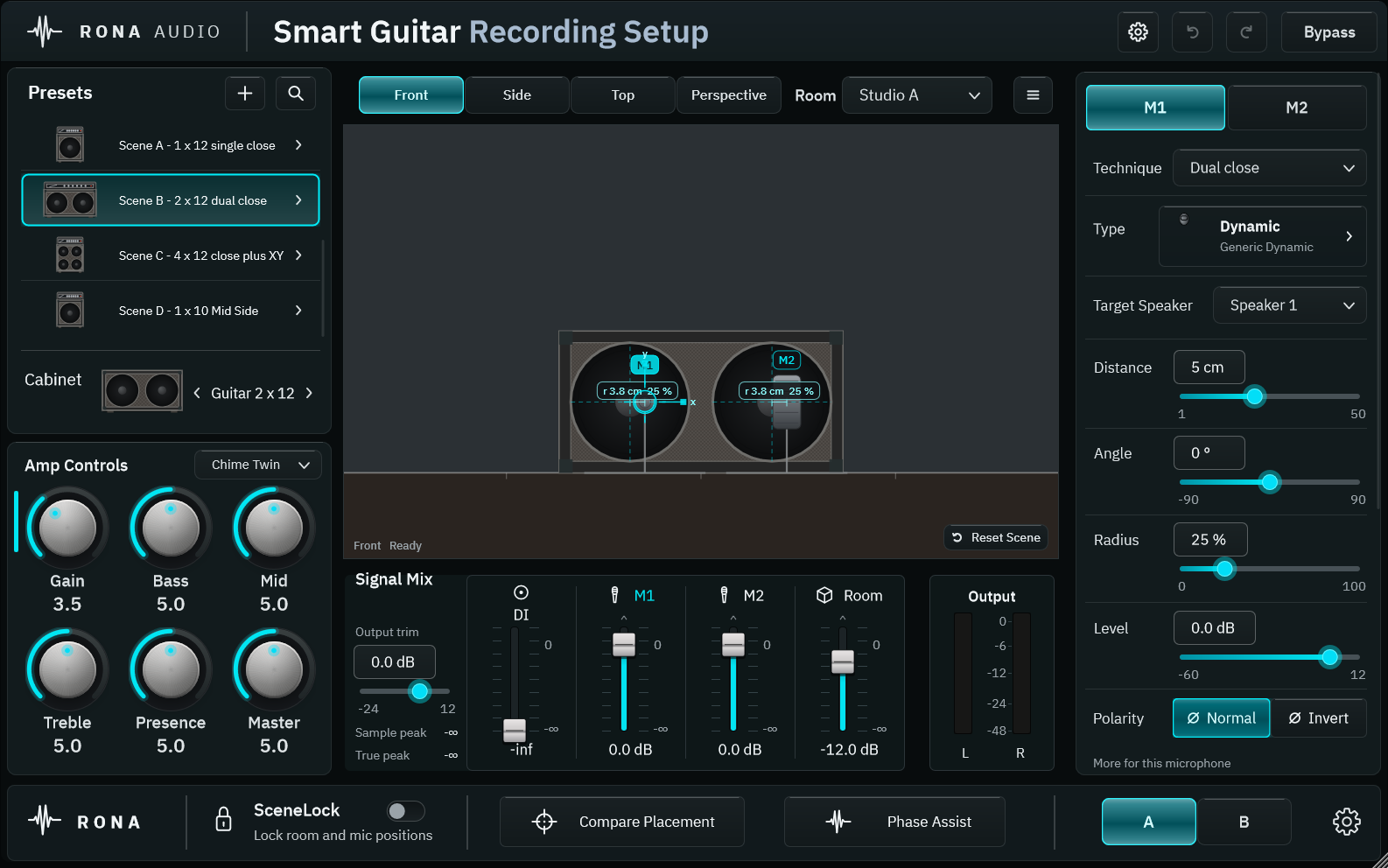
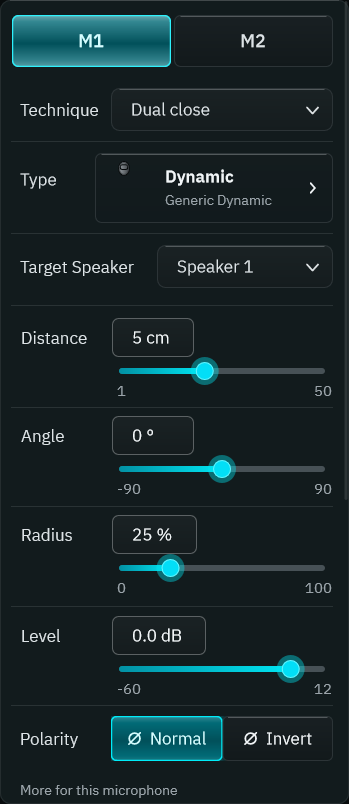
The window. Header (top); Presets and Amp Controls (left); the camera row, the scene viewport and the Signal Mix (centre); the microphone panel (right); the footer with SceneLock, Compare Placement, Phase Assist, A | B and the Advanced settings (bottom).
- Bypass — bypass
- Input Gain — input_gain
- Amp Profile — amp_profile
- Gain — gain
- Bass — bass
- Mid — mid
- Treble — treble
- Presence — presence
- Master — master
- Colour — colour_enabled
- Colour Amount — colour_amount
- Cabinet — cabinet
- Enclosure — enclosure
- Horn — horn_enabled
- Horn Level — horn_level
- Horn Crossover — horn_crossover
- Technique — technique
- XY Angle — xy_angle
- AB Spacing — ab_spacing
- MS Width — ms_width
- Room — room_preset
- Room Width — room_width
- Room Depth — room_depth
- Room Height — room_height
9 factory presets in 3 categories. Installed, activated and updated with RONA License Manager.